Speak naturally. Caspr writes
A menu-bar dictation app for macOS: you speak, and the text is written at your caret or into your notes. Two paths to choose from — macOS, offline and with no account, or ChatGPT, through your own account. Free, open source, and with no server.
Free, MIT licensed, on GitHub.
macOS 14 or later, Apple silicon Macs · Requirements by path
# Board meeting, 20 August
- budget holds, the roadmap slips by a month
- confirm the churn before the next board
On the macOS path, the preview shows what is being heard as you speak, in a quick draft — hence “bored”, which the final text may still correct. It answers “is the mic hearing me”, not “will the transcription be right”. The ChatGPT path has no preview: its page holds the microphone.
Offline with macOS — nothing leaves your Mac ChatGPT through your own account Open source — MIT licensed code No Caspr server, no subscription
Two paths. You choose who listens.
They cannot both listen at once: one holds the microphone, the other stays quiet. You pick one when you install, and switch with one click — from the menu, the settings or a shortcut.
| Criterion | macOS The system's speech recognition | ChatGPT Through your own account |
|---|---|---|
| Where your voice goes | Nowhere: it never leaves your Mac | To OpenAI, through your ChatGPT account |
| Account | None | A ChatGPT account, with email and password |
| Internet connection | Not needed | Required |
| Live preview | Yes, under the bar | No: the ChatGPT page holds the microphone |
| What it adds | Instant transcription | Modules: raw text, reorganise, ask a question |
| Setup | A language model, downloaded by macOS | Sign in, then an automatic calibration |
| What can break it | Hardly anything: it is a system interface | A redesign of the ChatGPT website |
On the macOS side, Caspr picks the best recogniser your machine can run, without asking you: Apple Intelligence, from macOS 26, and system Dictation as a fallback when Apple Intelligence cannot write your language — never by choice: measured on 129 real dictations, it lost close to 44% of the words. Availability is measured on the machine, never inferred from a version number.
On the ChatGPT side, Caspr opens chatgpt.com in a page it hosts, with your session, and clicks its buttons for you. It is not an API: if OpenAI redesigns the page, the path can stop working. Caspr then relearns the buttons by itself, trying them in front of you — a single test message, announced before it is sent.
Say it any old way. Get it back in order.
We hesitate, we backtrack, we start the sentence again. On the ChatGPT path, the Réorganiser (reorganise) module sends your dictation back to ChatGPT and writes its reply at your caret: what you meant, in order.
What you say
“So er hang on, we'll we'll push the meeting to Thursday no wait Friday morning er and let Sarah know”
Ordinary dictation writes all of it down, every “er” included. The time speaking saved goes straight back into fixing it.
With Réorganiser
“We'll push the meeting to Friday morning, and let Sarah know.”
Hesitations, restarts and false starts are removed; punctuation follows the meaning.
The instruction is spoken, not configured: “translate this into English” or “make it a list”, said in the dictation, is enough. If reorganising fails, the raw transcription is written instead: a dictation is never lost. On the macOS path, the text is written as it was recognised, with no second pass.
You change your mind mid-sentence. The bar keeps up.
Dictation is not a command you fire and endure. Halfway through a sentence you realise the text should not go where it is going. A bar floats at the bottom of the screen while you talk, and everything on it can change without interrupting you.
- Destination
- The caret of whatever app you are in, or a file. The note file is remembered separately: the round trip costs one click.
- Module
- On the ChatGPT path: Brut, Réorganiser or Discuter — raw, reorganise, discuss. Raw writes the transcription as it is; discuss asks a question and keeps the page open for the answer.
- Live preview
- On the macOS path: what is being heard, as you say it. It answers “is the mic hearing me”, not “will the text be right”.
- Path
- macOS or ChatGPT, from the menu bar menu or a shortcut. While ChatGPT is the path, the ghost in the menu bar wears a sparkle.
Destination and module are read when the recording ends, never when it starts. Pressing Notes halfway through a sentence sends that dictation to the file, and the reverse works too. That is what makes the bar useful rather than decorative — and it never takes focus, so the text lands where your caret already is.
Speak now, sort it out later
Not every sentence has a destination the moment it occurs to you. Switch to Notes and the text is appended to the end of a text file you picked instead of the caret — no app to open, nothing to leave behind. Ideas pile up, and you read them back when the time comes.
- Remind Sarah the file is waiting on her review.
- Churn is up on the March cohort, dig in before Friday.
- Idea: revisit the protocol after the threshold change.
- Check the spread on the long maturities.
The file stays a text file, on your disk, readable by any editor. Nothing to export the day you change tools.
No server, and all the code to read
Caspr has no server: there is nowhere on our side to send anything to. What leaves your Mac, and where it goes, depends only on the path you choose. And you don't have to take my word for it — the whole codebase is public, MIT licensed, yours to read and to build.
- macOS path: offline for real. Turn off Wi-Fi and dictation behaves identically, and nothing is sent.
- ChatGPT path: your account, not ours. Your voice goes through ChatGPT, in a page Caspr opens with your session, just as on chatgpt.com — under your OpenAI account's terms.
- Free and open source. MIT licensed Swift code, on GitHub. Nothing held back, no subscription, no Caspr account.
- No telemetry. No usage statistics, no tracker, no silent crash reports.
- One request of its own, optional. The update check queries GitHub; the automatic one is off by default.
- An uninstaller that uninstalls. Preferences, history, the ChatGPT session, logs and permissions go to the Trash — and only what is actually there.
Questions
Caspr needs macOS 14 or later, on an Apple silicon Mac. On the macOS path it uses Apple Intelligence from macOS 26 when the machine can write your language, and system Dictation otherwise.
The ChatGPT path needs a ChatGPT account and an internet connection: the ChatGPT page is what listens and transcribes.
It depends on the path. With macOS, no: transcription runs on your machine and nothing is sent — turn off Wi-Fi and it behaves identically. With ChatGPT, yes: your voice goes through your own ChatGPT account, to OpenAI, just as on chatgpt.com.
Caspr itself has no server, no account and no telemetry. Its only request of its own is the update check against GitHub, and the automatic one is off by default.
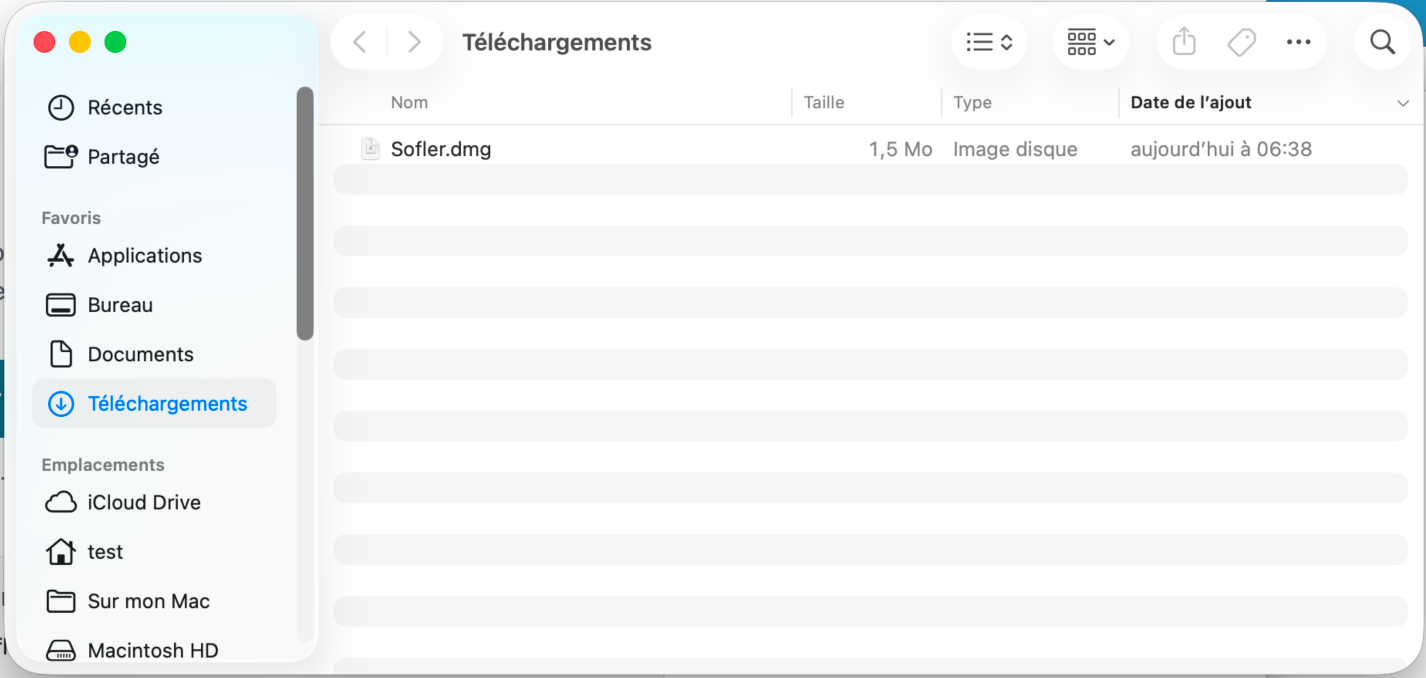
Because the app is not notarised by Apple — notarisation requires a paid developer account. Caspr is signed with a self-signed certificate, which macOS does not recognise, so it warns on first launch.
You grant permission once, in System Settings under Privacy & Security. The guide that opens on download shows every step in pictures.
Often better transcription, and modules: the raw text, a reorganised version of what you said, or a question ChatGPT answers in its page.
Caspr drives ChatGPT's web interface, not an API. If OpenAI redesigns it, the path can stop working until a new calibration, which Caspr runs on its own by trying the page's buttons. The macOS path depends on no one.
Caspr's code is under the MIT licence, public on GitHub: you can read it, build it and change it.
The ChatGPT path uses your own account, under OpenAI's terms. Caspr is not affiliated with OpenAI.
Yes. The app ships an uninstaller that moves the preferences, the history, the ChatGPT session if there is one, the logs and the permissions to the Trash — and it only offers what is actually there.
Try it on the next sentence you were about to type
One key, your voice, and the text arrives at your caret. You choose the path when you install, and switch with one click.
Free and open source · macOS 14 or later · no Caspr account